WhatsApp Translates and Summarizes Messages with AI
2026-08-26 · 7 min de leitura · E. Ribeiro
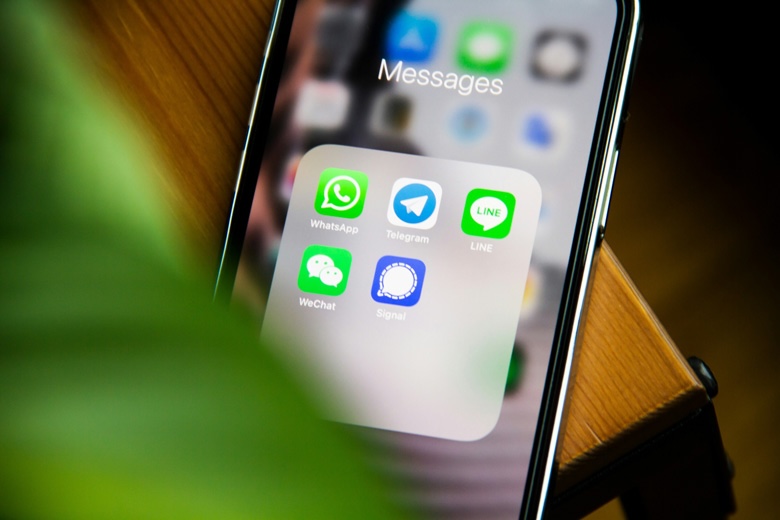
You've probably lived both sides of the same problem: a WhatsApp group with dozens of unread messages mixing two languages, and that sinking feeling of falling behind the conversation. Meta is going after exactly that — with AI that summarizes what you missed and translates what you don't understand.
Both features are part of the same bet: using AI to take the friction out of talking to people. If you chat with contacts in other countries, this hits close to home. The goal here is simple — what's already here, what's on its way, and what it all means for your privacy.
Why WhatsApp now summarizes and translates
WhatsApp stopped being just a direct-messaging app a long time ago. It's where work groups, family, neighbors, and school chats collide — and where a lot of people talk to contacts who speak another language. Two pains became impossible to ignore: the sheer volume of messages and the language barrier.
Meta's answer was to put Meta AI to work on those two pains. It's not an isolated move: it's part of AI arriving in WhatsApp, something we've been covering closely in our articles on AI reply suggestions and privacy around AI use.
Translation and summaries aren't gimmicks: they're AI doing the heavy lifting of understanding context — the exact thing messaging apps were missing.
What message summaries do (and when they help)
The summary feature uses AI to turn a pile of unread messages into a short rundown of what happened. Instead of scrolling through hundreds of messages, you read one paragraph with the essentials: what was decided, what changed, what needs your attention.
- After time away. Back from vacation or a day without checking your phone? The summary hands you the thread in seconds.
- In work groups. Decisions and deadlines buried under dozens of replies surface right in front of you.
- In family chats. You keep up with what matters without reading every single message.
One honest reminder: a summary is a synthesis, not a transcript. It's great for catching up, but it doesn't replace reading when the topic is sensitive. Use it to get oriented — not to make blind decisions.
Automatic translation: how it works and what to expect
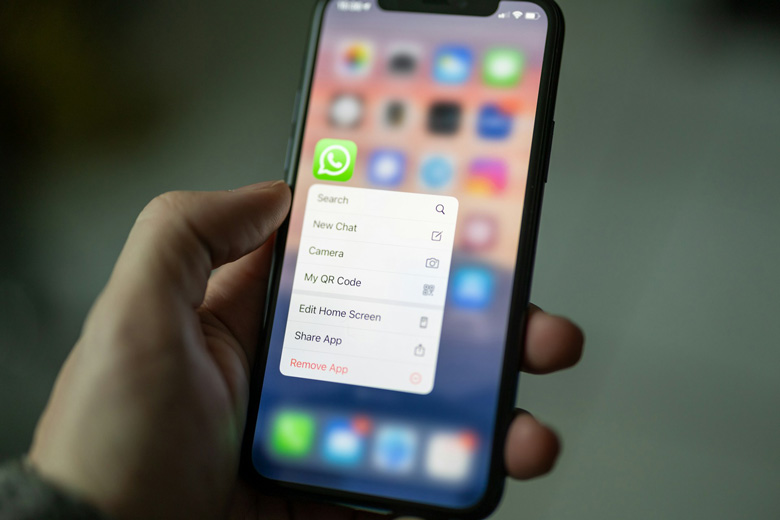
Automatic translation promises to remove the language barrier from inside the app itself. Instead of copying a message into an external translator, the translation appears right in the conversation — press coverage describes support for around 21 languages, on iOS and Android, rolling out gradually.
In practice, that changes the experience for anyone who stays in touch with suppliers, clients, friends, or family who speak another language. Reading flows without switching apps, and replies feel more confident too. Like every WhatsApp AI feature, availability lands gradually, by region and app version — don't expect the button on every phone the same day.
The language barrier — always WhatsApp's invisible limit — is finally being tackled inside the app itself.
What about privacy? What the AI sees and doesn't see
This is the right question to ask. WhatsApp has end-to-end encryption, which means that in normal chats, even Meta can't read the content. A feature that summarizes or translates needs to process that content somehow — and that's exactly where the explanation demands care.
According to Meta, these features process your data privately, and in several cases locally, on the device. They also tend to be optional and rolled out gradually. Even so, it pays to follow official announcements: when a company says a process is private, it's a declared commitment worth watching — not a guarantee you can simply ignore.
What you can do right now
- Keep the app updated. AI features arrive with new versions; an outdated app is the most common reason you never see what's already available.
- Review your privacy settings. When the features arrive, check what's enabled and decide what makes sense for you.
- Use summaries as a starting point. In busy groups, let the synthesis recover the context before you dive into the conversation.
- Businesses: prepare the ground. Greeting and away messages already help you serve customers in any language, today.
You don't have to wait for translation to communicate better — but when it arrives, you'll already know exactly what it does.
AI in WhatsApp doesn't replace your reading. It gives you back the time that groups and languages used to steal.
Frequently asked questions
Does WhatsApp already translate messages automatically?
The feature is rolling out gradually, with press-reported support for around 21 languages on iOS and Android. Availability varies by region and app version — not everyone sees the option at the same time.
How do unread message summaries work?
Meta AI looks at your unread messages and produces a short rundown of what happened, instead of making you scroll the whole chat. It launched first in markets like the United States and is expanding slowly.
Do translation and summaries compromise my privacy?
End-to-end encryption still applies to normal chats. According to Meta, these features process your data privately and, in several cases, on the device itself. Since they're optional and rolling out gradually, follow official announcements and review your settings when they arrive.
Do I need to enable something to use these features?
In general, there's no universal button to switch on — features are released automatically depending on your region and app version. Keeping the app updated is the single most important step to see them first.
Serve customers in any language today
Create AI greeting and away messages in seconds, and be ready to talk to customers from any country.
Create auto messages